Visual thinking, right in Jira

Works where you work
Use the Apps menu on a work item to open the Diagrams panel, start from a template, and insert—done in seconds. You can even keep the panel visible on every issue.
Find out more
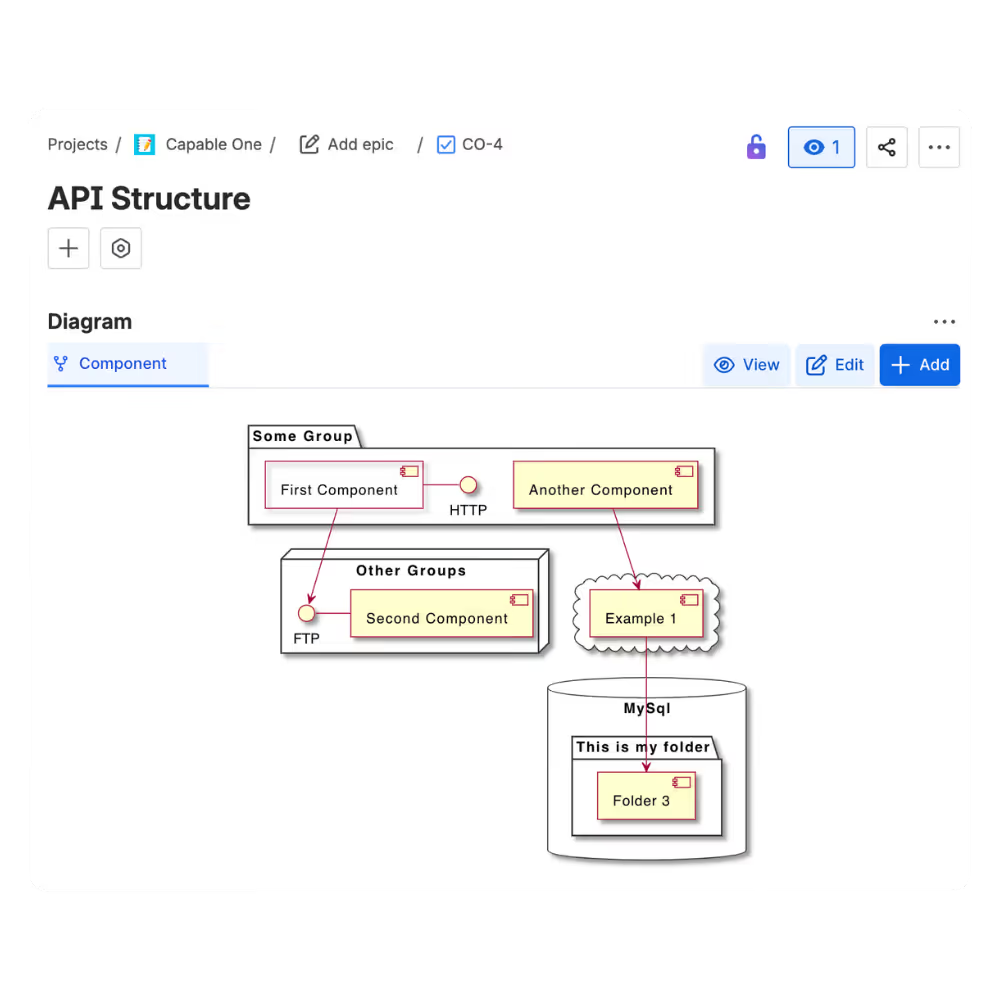
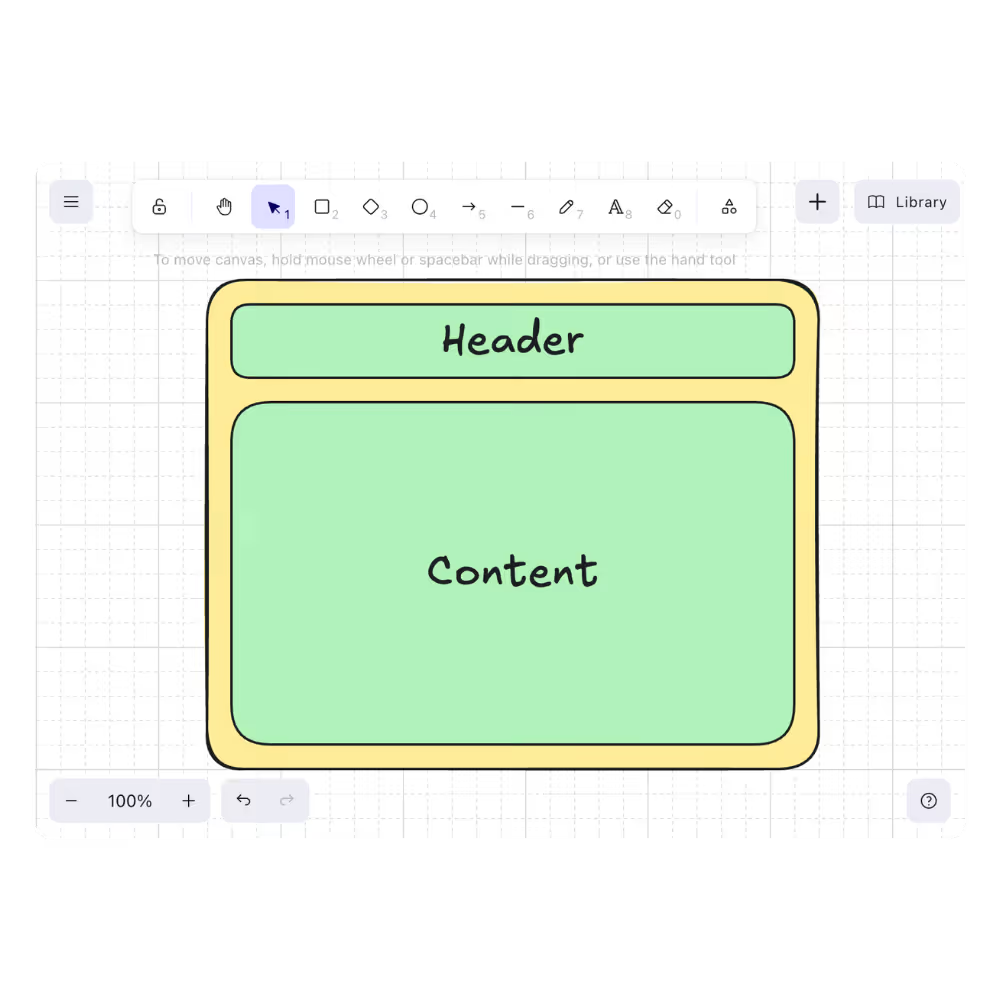
Visual editor
Sketch clear, hand-drawn-style diagrams right inside a Jira issue using the Excalidraw editor—no external tools or copy-paste drift. Live preview included.
Find out more
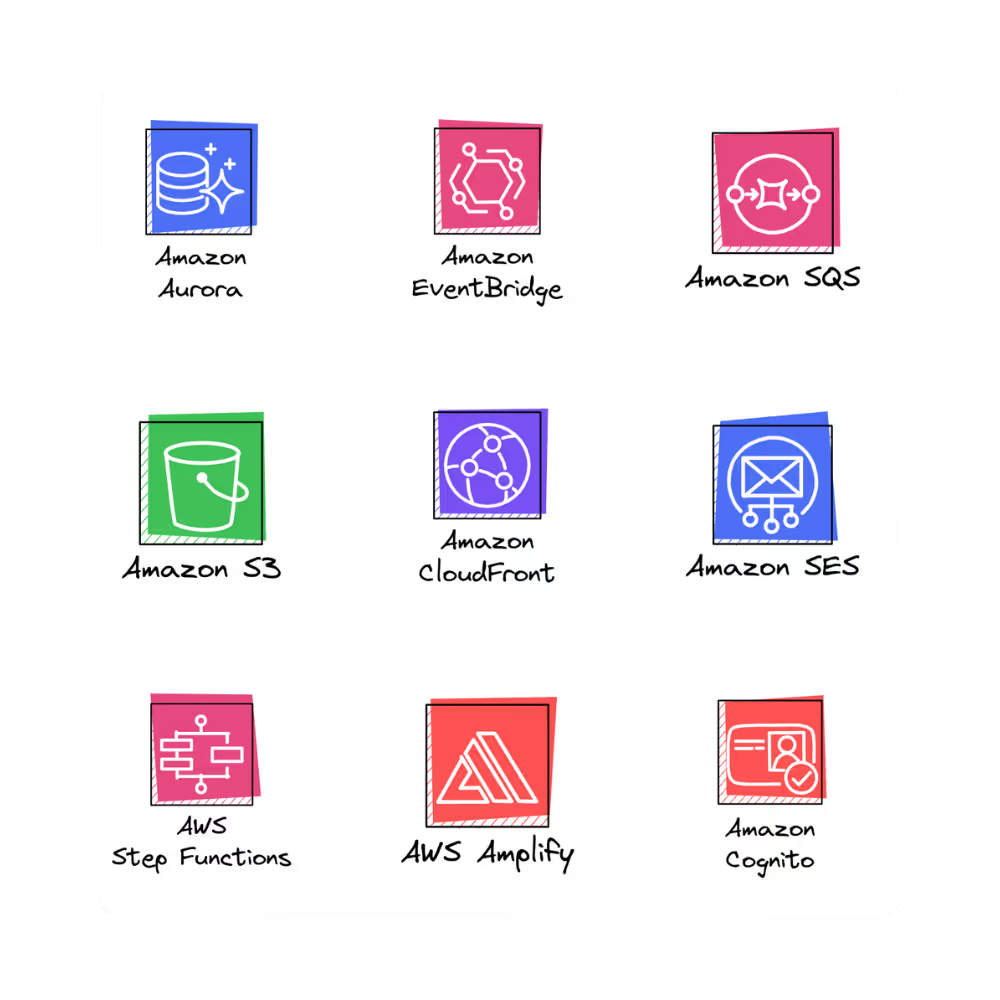
Ready-made shapes
Pull from rich shape/icon libraries (e.g., architecture and UI sets) directly in the editor, so you can diagram faster and keep visuals consistent.
Find out more
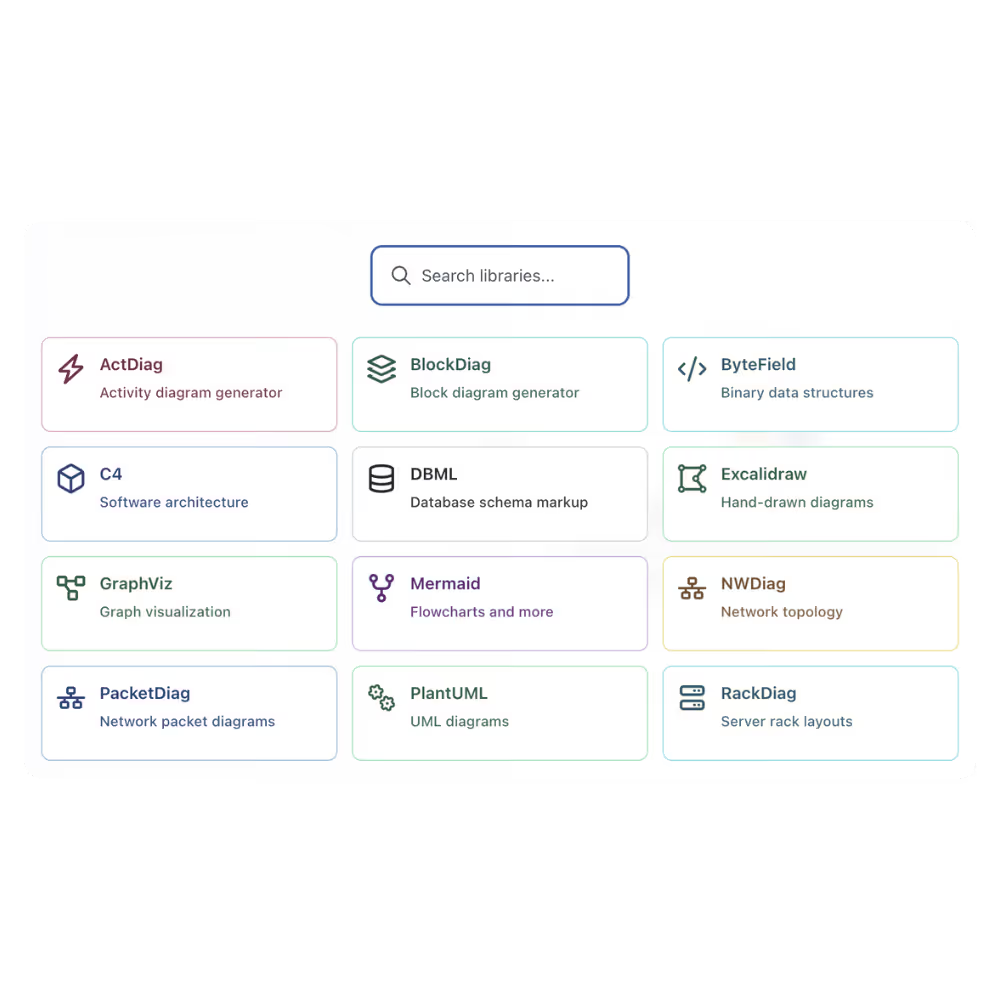
Your diagram style, supported
From hand-drawn style (Excalidraw) to Mermaid, PlantUML, C4, GraphViz, DBML, D2 and more—pick what fits the job and your team’s workflow.
Find out more
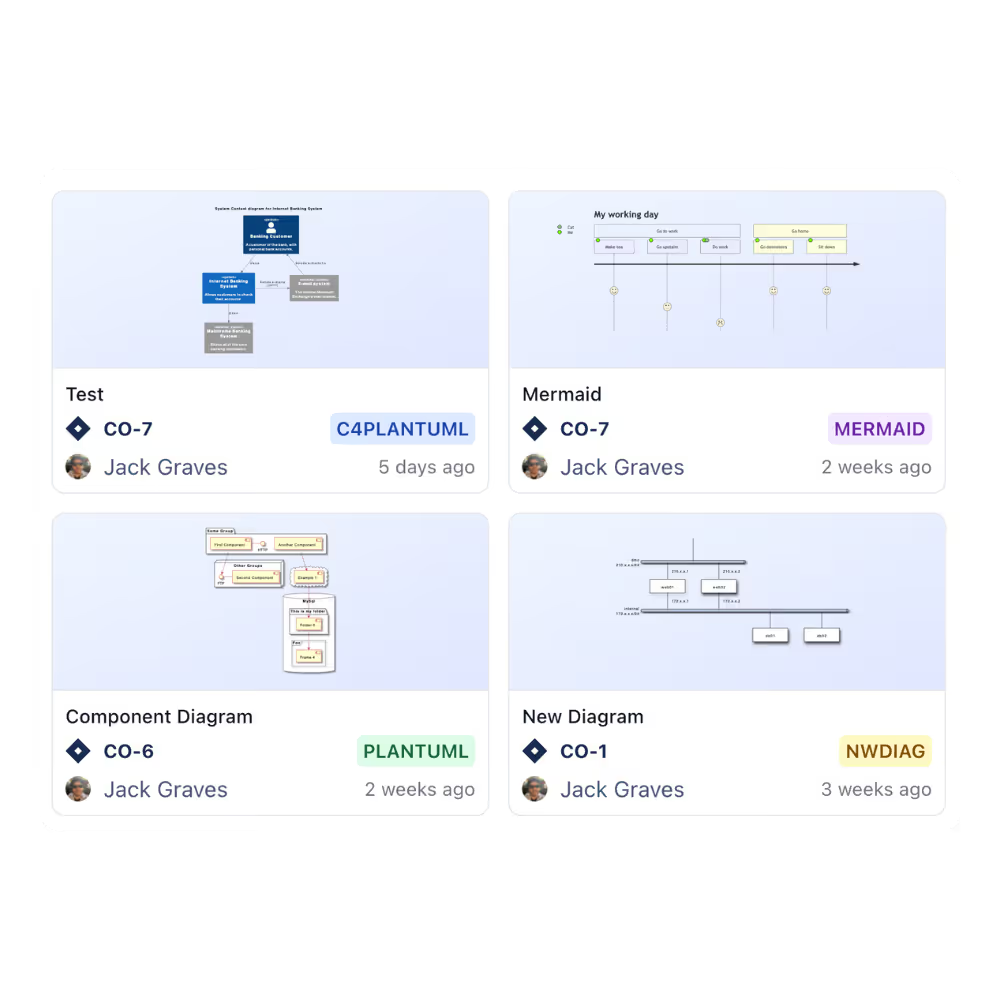
Reuse beats rework
Open Apps → Diagrams to see every diagram in your Jira site in gallery or list view—find, reuse, and keep things aligned across projects.
Find out more
.avif)
Portable when you need it
Export from the issue’s attachments when you need an offline copy or to share outside Jira.
Find out more
Need more information or have additional questions?
Have questions about our products or services? Our comprehensive FAQ section provides answers to the most common inquiries.
What is Diagrams for Jira?
What kinds of diagrams can I create?
How does it work in practice?
Is versioning supported?
How easy is it to get started?
How is it licensed?
From Our Blog
SAP Signavio is built for the people who model processes. Confluence is where everyone else reads them. Bring those same diagrams into Confluence with Capable Diagrams, without paying for a Signavio seat for every reader.

From Our Blog
There's a gap in most Confluence spaces between the documentation teams intend to maintain and the documentation that actually gets kept up to date. Pages drift. Process guides become out of date. A new joiner reads the onboarding wiki and has to chase down three people just to understand who owns what and how decisions actually get made.

From Our Blog
Every team has the meeting. Someone tries to explain how the renewal process works, or how a request gets routed through three departments, or what actually happens between a customer signing a contract and the first invoice going out. Voices overlap. Someone draws on a whiteboard. Half the room nods. Nobody writes it down. A week later the same questions come up in a different room with a different group of people.

From Our Blog
Writing a diagram in code might sound counterintuitive, but for teams that care about maintainability, consistency, and speed, it can transform how knowledge lives inside Confluence.

From Our Blog
There is a particular kind of documentation debt that builds quietly, over months, until it becomes impossible to ignore. A diagram gets created for a design spec. Someone copies it into the runbook. A third team embeds a version in the onboarding guide - suddenly three different pages in your Confluence space show three different versions.


Capable makes Atlassian do more: richer features out of the box, consistent UX across apps, and fewer vendors to manage.

%20(800%20x%20200%20px).avif)